
Creating a Direct Debit mandate is an easy way to pay your invoices on time to prevent any interruption of service. to set up a mandate follow these simple steps -
- Login to your account

- Navigate to an unpaid invoice -

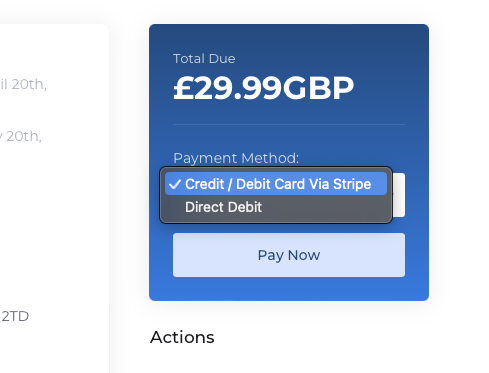
- Select Direct Debit as Your Payment Method -
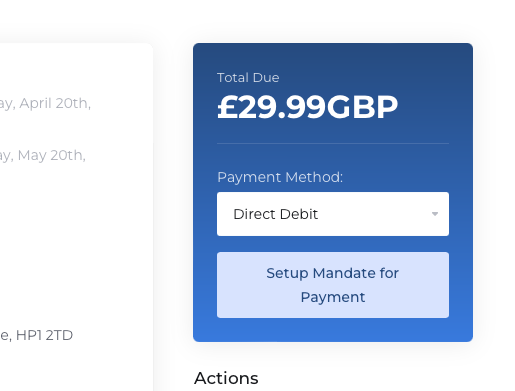
- Click Set Up Mandate for payment
- Complete the mandate form

- Save changes.
All payments will now be debited directly from your bank account 3 days prior to the due date to allow for processing.
